Sprout
290₽
per 30 days
A small world for your first builds.
- RAM
- 2 GB
- SSD
- 10 GB
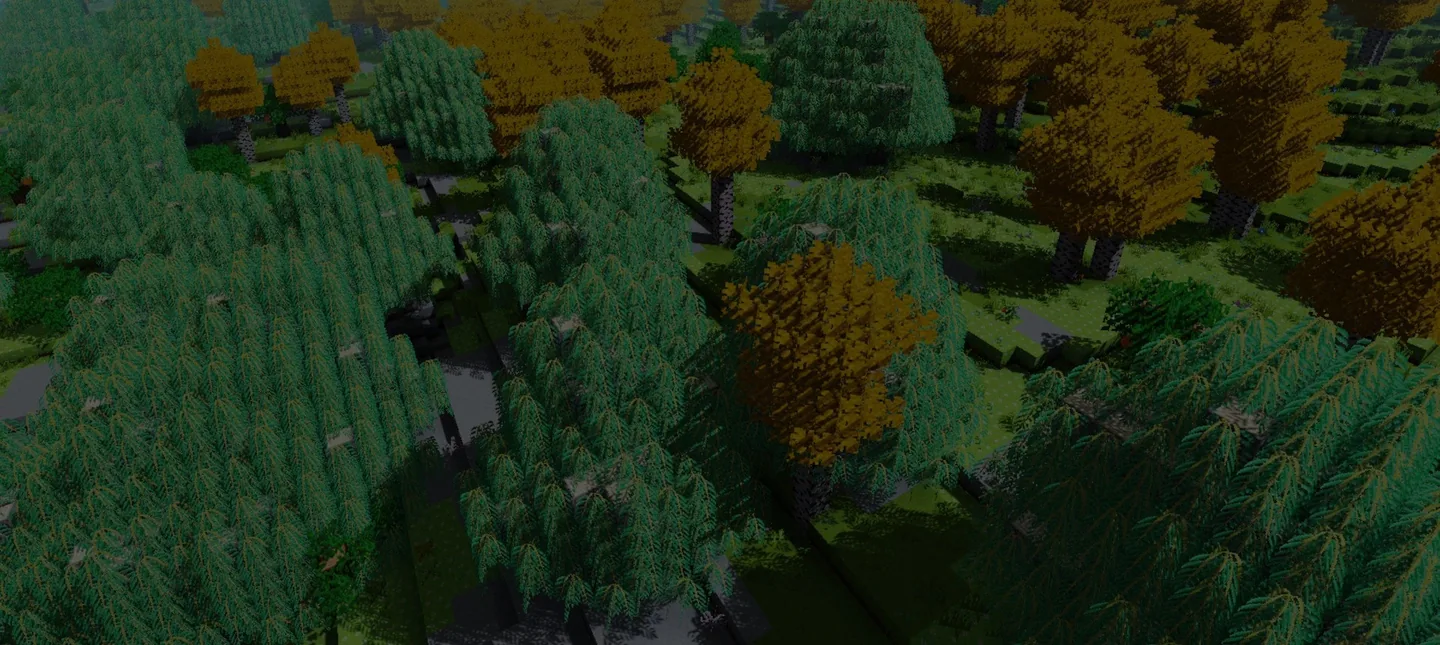
290₽
per 30 days
A small world for your first builds.
490₽
per 30 days
A shared settlement and cave exploration.
790₽
per 30 days
More space for explored lands.
Prices in rubles for 30 days, paid in advance. Card and SBP payments will become available once the payment gateway is connected.
Mir, Visa, Mastercard cards and SBP. No automatic charges; you can cancel the service at any time and get a refund for unused days.
Exploring new areas and growing your settlement expands the world. Choose memory and storage headroom for the length of your game.
Plan resources are a planning guide. Capacity and performance are still being tested; the free trial has separate limits.
The free test includes one server per account with its own resource limits, shown before you create it.
Free test detailsAn open world for your ideas.
Explore caves and build a shared world on the open-source Luanti engine. The pilot uses Minetest Game with access for your group.
Build a settlement, lay roads and explore underground. Suits cooperative building without having to buy a client.
A good fit if you enjoy setting your own goals. In Minetest Game an evening can go into a shared building project, a road between villages or a mine beneath the site of your next bridge.
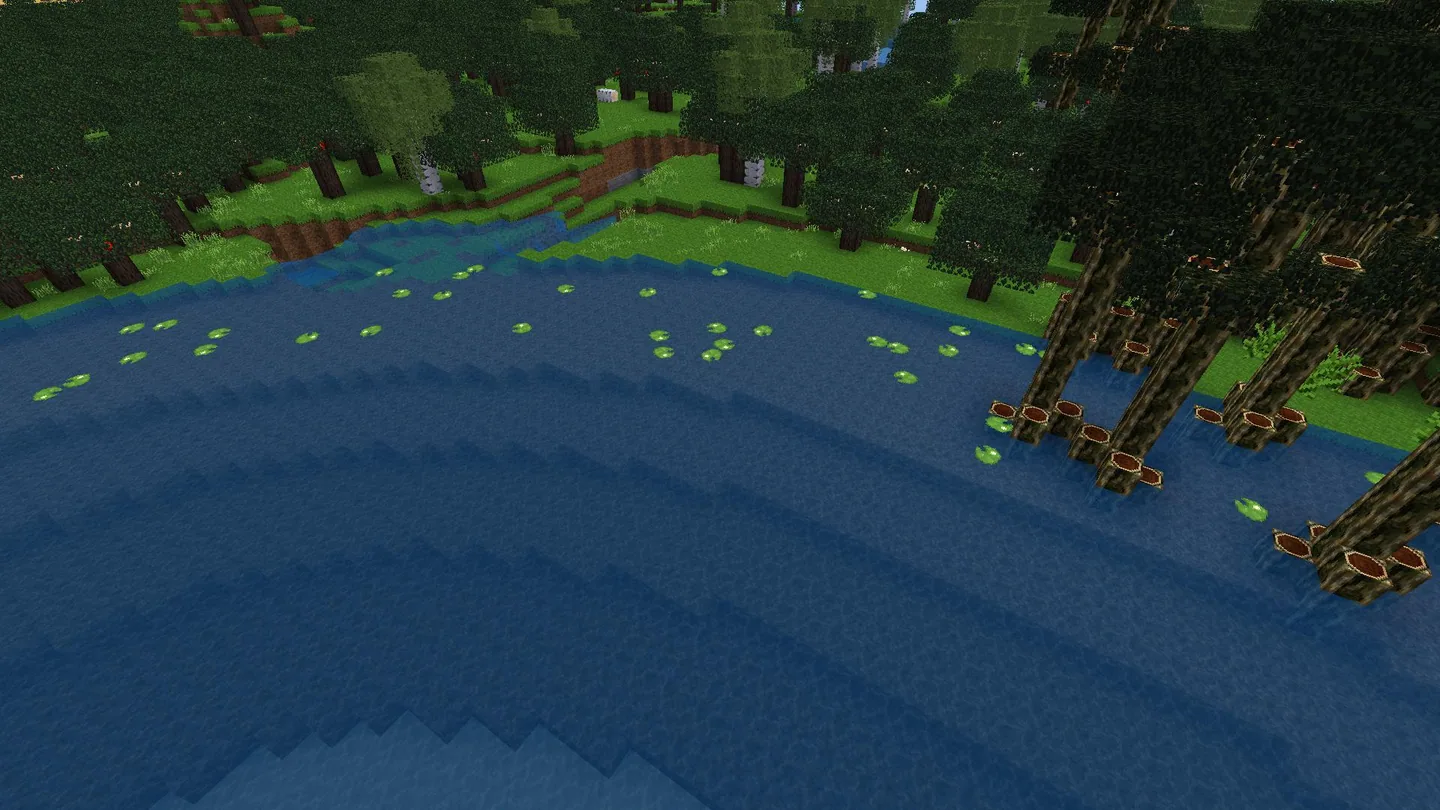
Exploring new areas and growing your settlement expands the world. Choose memory and storage headroom for the length of your game.
Luanti: the server password is required for the first login with a new game name. Existing players retain their passwords; changing this field does not revoke access. Use the whitelist to restrict access.
The pilot uses Luanti and Minetest Game. This is a separate game: the Minecraft client and its mods do not work here; other games and modpacks cannot be installed yet.
Resources are fixed during the trial. 100% CPU corresponds to one processor thread; processing capacity is shared with other servers.
Resource limits are provisional; capacity has not yet been verified by load tests.
In testing · free · one server per account
Change settings in your dashboard. Stop the server before saving changes. Create and restore backups from your dashboard. Full backups require the server to be stopped.
The console is available for viewing logs. Mods, version changes and importing existing worlds are not supported for these games yet.
Support →