Enshrouded
Free trial
Server resources
- Memory
- 8 GB
- CPU
- 600%
- Storage
- 39.1 GB
- Players
- Up to 4
- Backups
- 5
Resources are fixed during the trial. 100% CPU corresponds to one processor thread; processing capacity is shared with other servers.
Resource limits are provisional; capacity has not yet been verified by load tests.
In testing · free · one server per account
How to connect
- In Steam, open View → Game Servers → Favorites and add the address with its port. In Enshrouded, select Join and enter the player password.
- Server address: the address from your dashboard
- The client and server versions must match. After a version change, wait for installation and startup to finish.
Before you start
Vanilla pilot. The client version must match the server; client connections and load require separate testing.
The backup includes the entire world and settings after a graceful shutdown. A protective backup is created before restoring.
The console is available for viewing logs. Mods, version changes and importing existing worlds are not supported for these games yet.
Support →Who’s staying at the Flame Altar?
From the Shroud to the Flame.
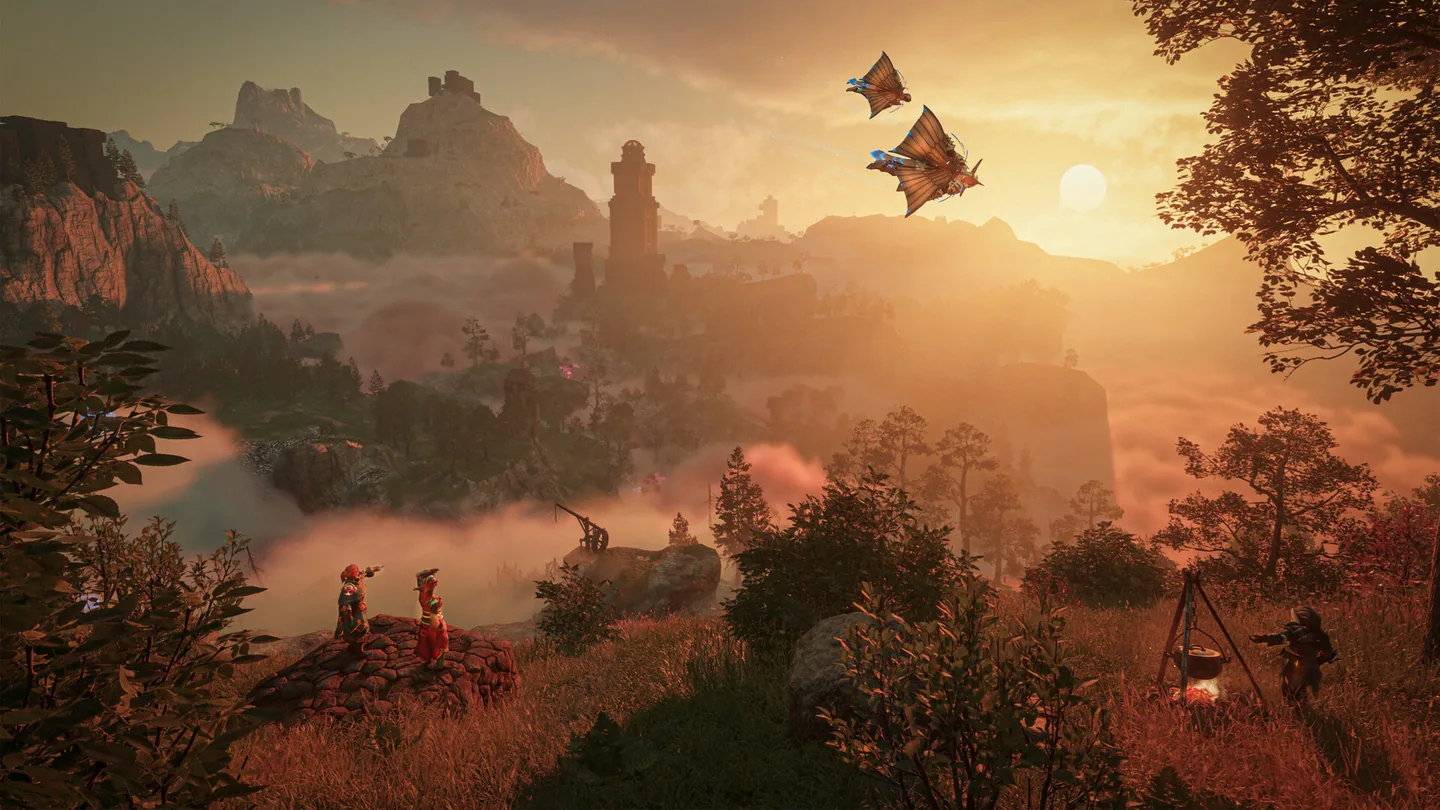
Descend into the Shroud-covered ruins of Embervale. Above the mist lies the home you build together.
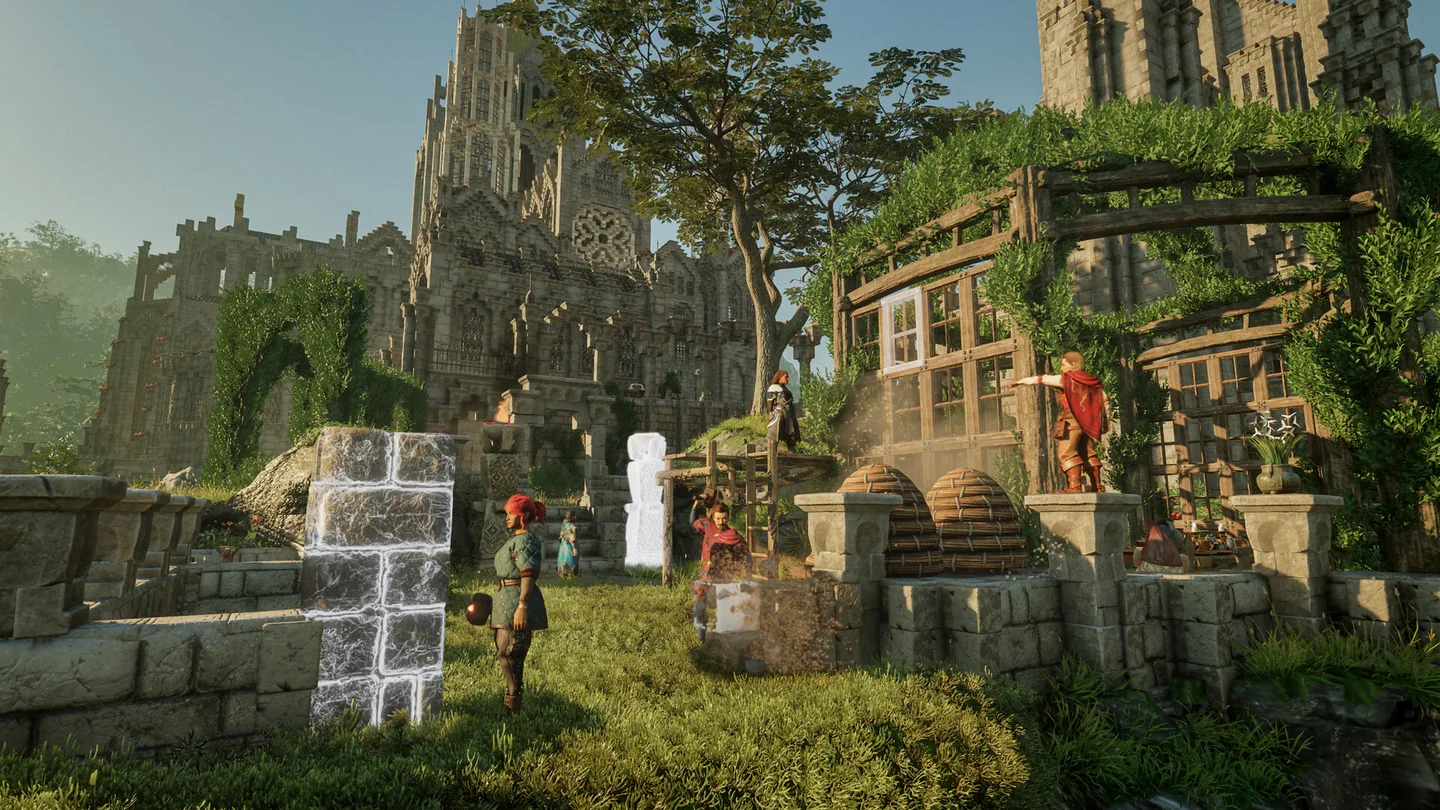
While a scout finds a path through the fog, a builder expands the settlement around the Flame Altar. Rescued craftspeople unlock recipes for the group.
A good fit for groups whose builders and scouts play at different paces. One friend can spend the evening getting a roof just right while another races the timer to gather materials in the Shroud and make it home.
What your server includes
Server resources
The pilot is configured for four players on node 1 in Kazakhstan.
Settings and access
The server saves the world and its buildings. Each player keeps their character and inventory locally.
Versions and compatibility
In Steam, open View → Game Servers → Favorites and add the address with its port. In Enshrouded, select Join and enter the player password.